


1.- Basic setup
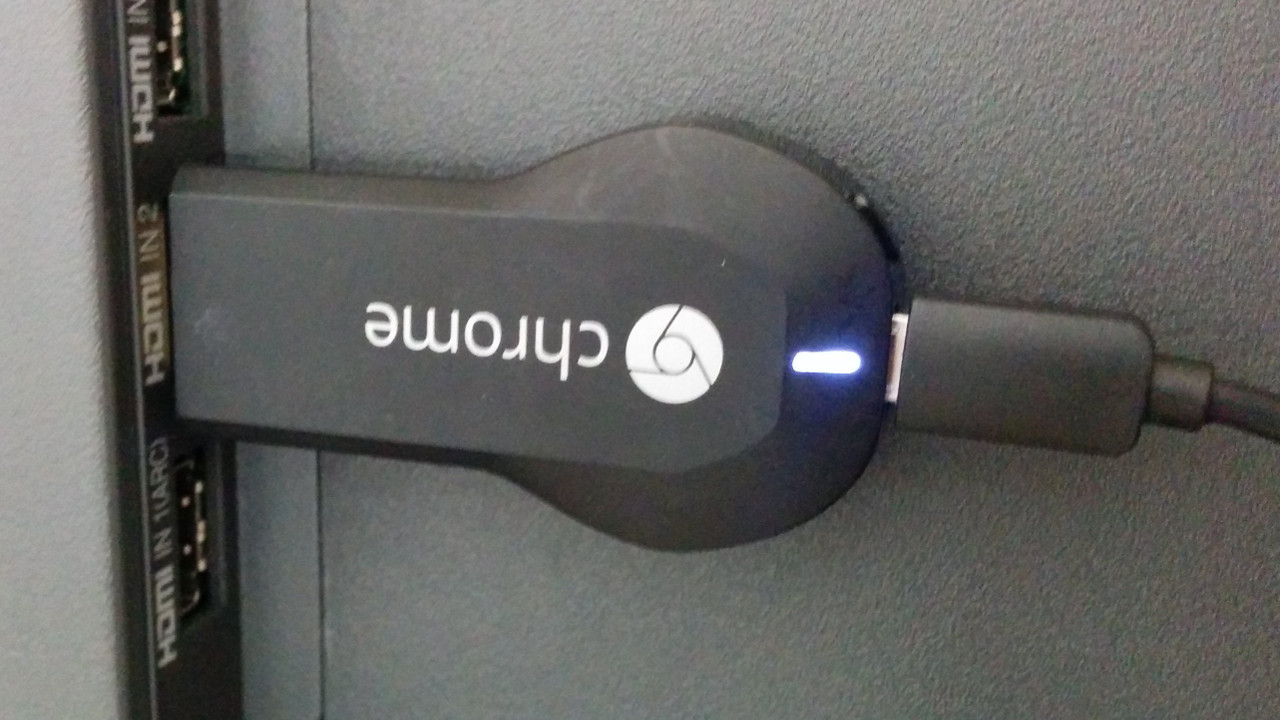
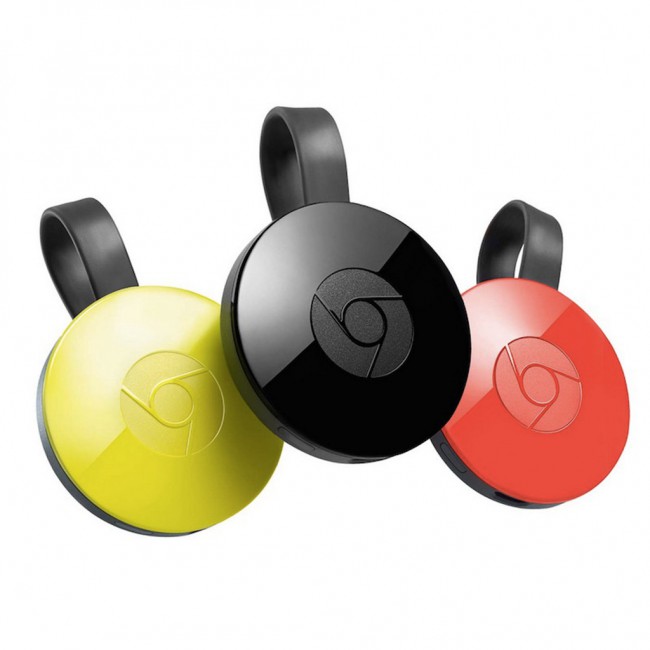
- Connect the Chromecast device to an input HDMI port of the TV. If the device does not fit well to the input, you can use the extension HDMI cable provided.
- Connect the micro USB port of the device to the power supply through the USB cable provided. It can also be connected to an active USB port from the TV.
2.- Chrome Browser Installation
Chromecast is a line of digital media players designed as small dongles, the devices play content by streaming directly via Wi-Fi from the Internet or a local network.
Your showcase will be deployed from the Google Chrome web browser, running on a personal computer, to your cast device.
Once your showcase has been deployed you can disconnect your personal computer.
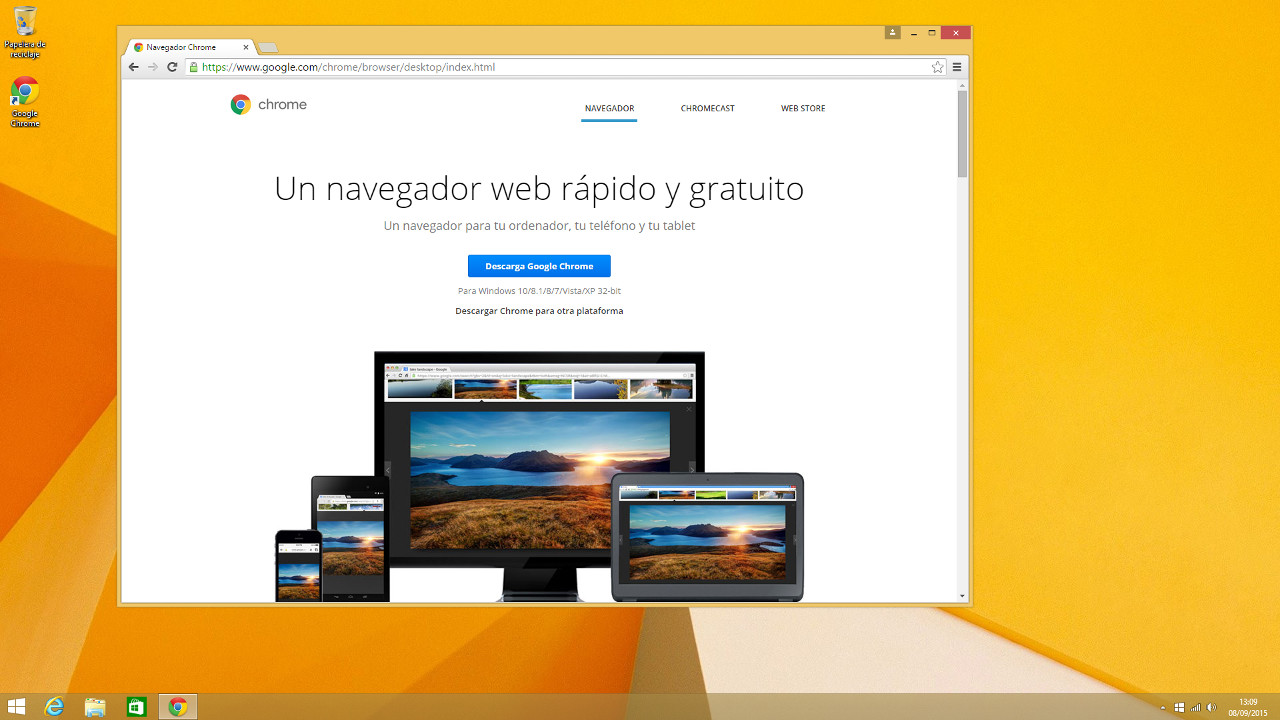
- Ensure the Google Chrome browser is installed on your computer.
- If not, go to the https://www.google.es/chrome web page and follow the suggested steps for installing the Google Chrome version appropiate to your operating system
- Also, install the Chrome extension Google Cast in your browser
3.- Showcase Deployment
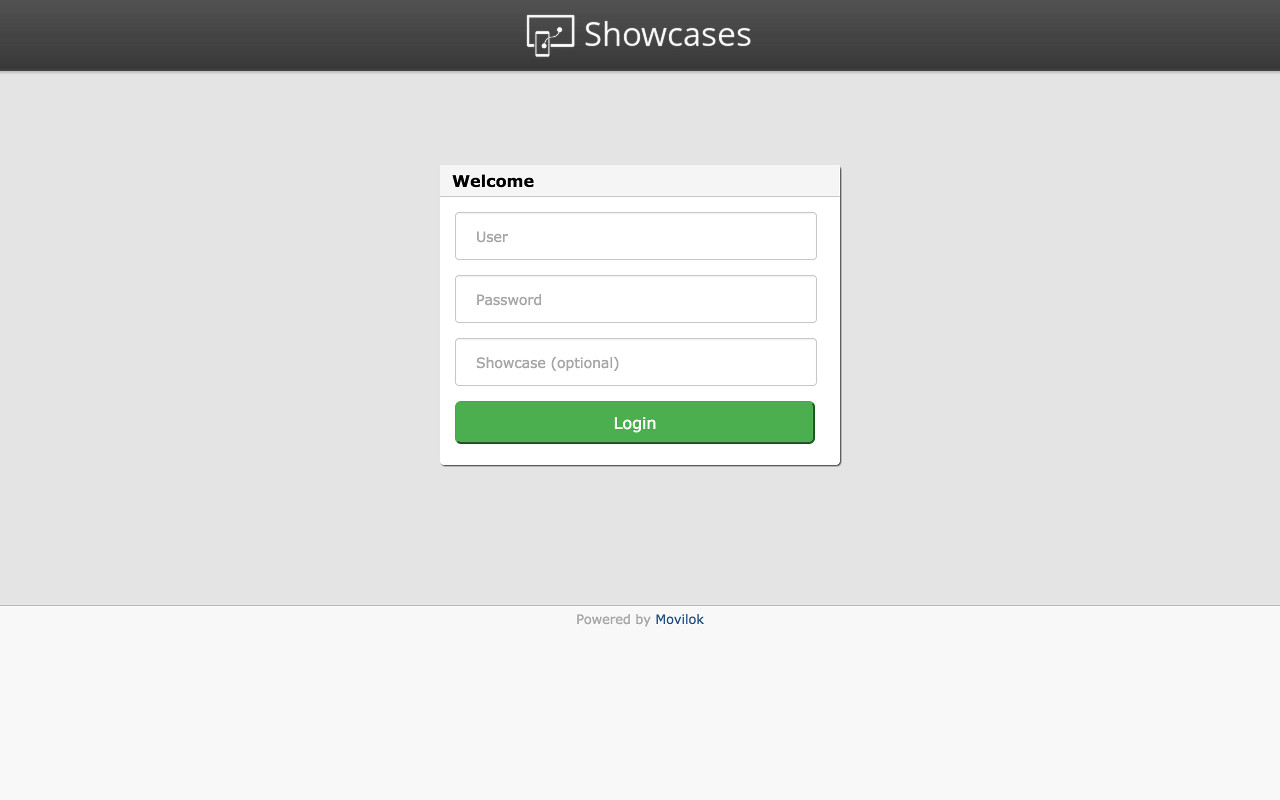
- Open your Google Chrome browser.
- Go to the Movilok Showcases Sender web page https://mshowcases.com/player/sender.html.
- You will see the Login form. Enter your Movilok Showcases user name and password. Optionally you can also enter the code of your showcase.
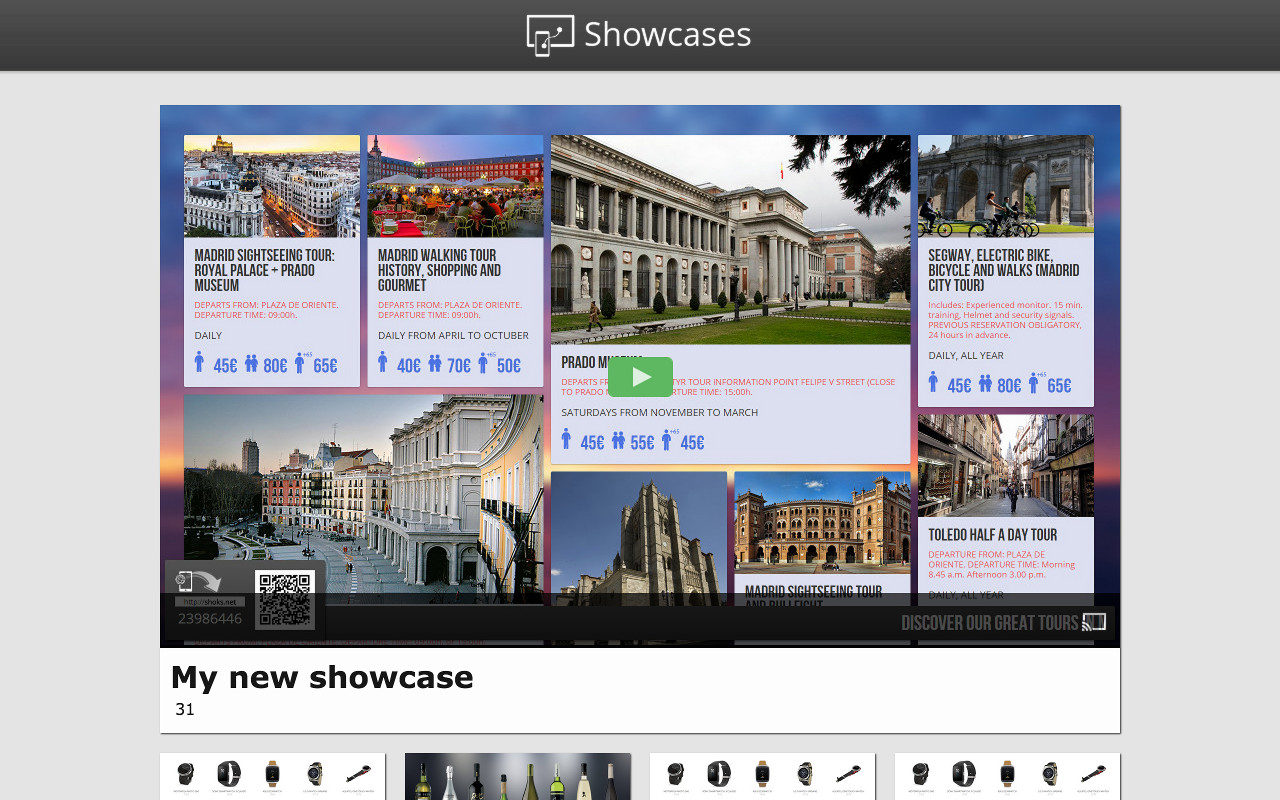
- If you did not enter the code at the previous step, select it now from the showcases list.
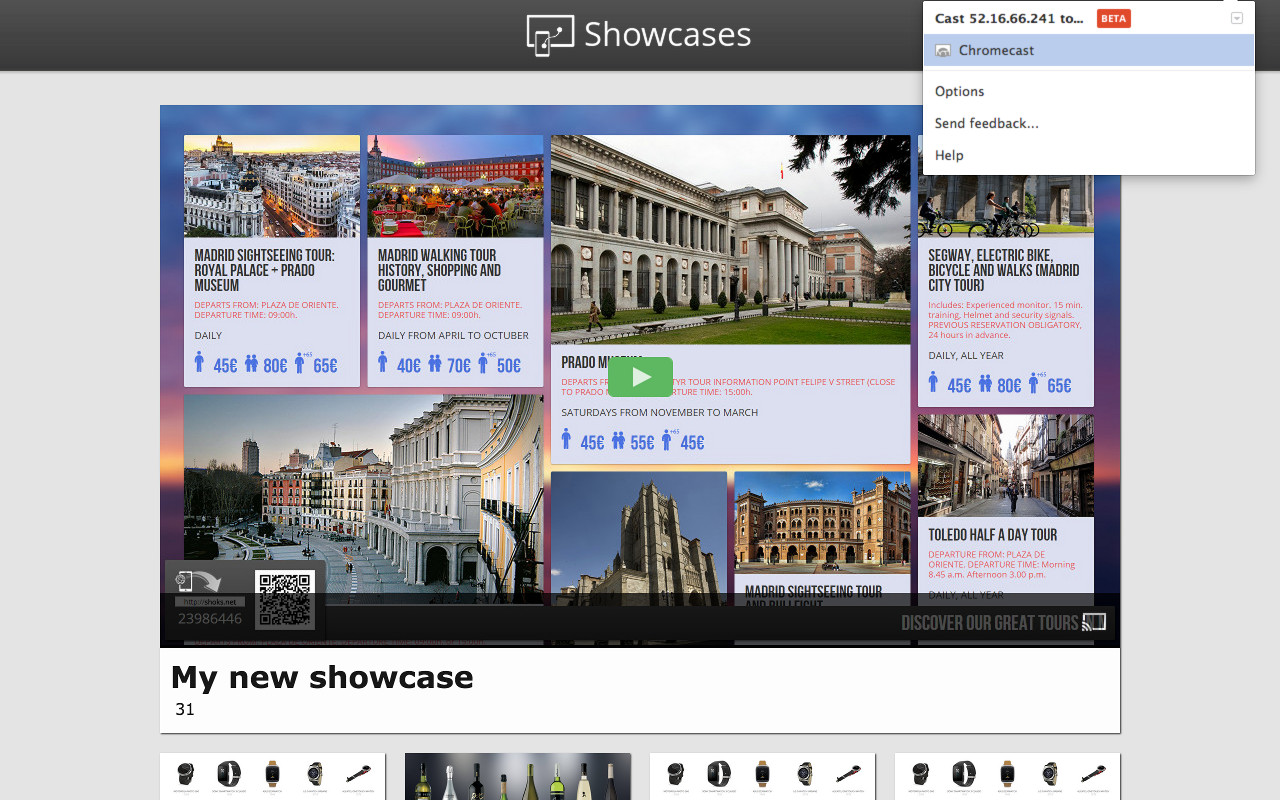
- Google Cast extension will show a list of your Cast devices.
- Select your Cast device from the Google Cast extension.
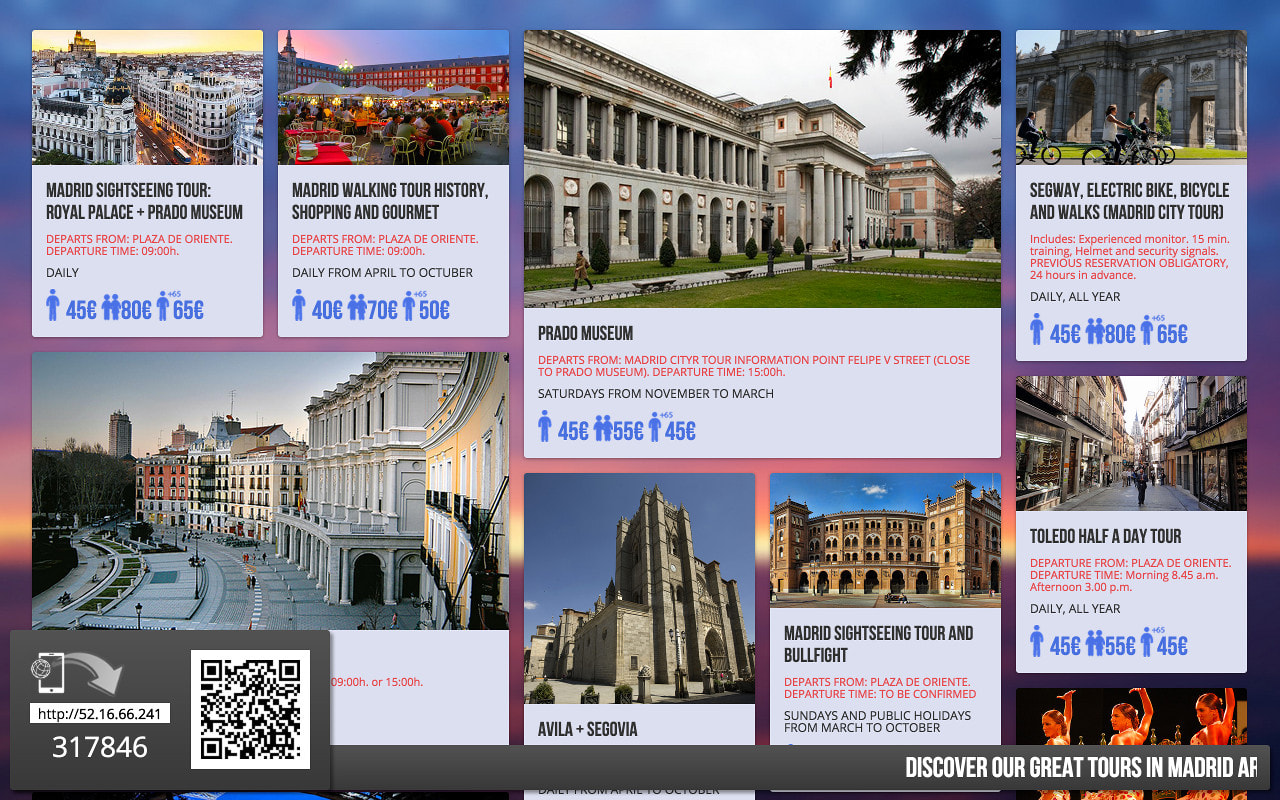
- All done! your showcase will start to be shown on the screen.
Chromecast installation (specific for Google Chromecast devices)
You can configure your Chromecast device from an Android phone or tablet, from an iOS phone or tablet, from a computer using Windows or Mac OS X or from a Chromebook. In each case, the process may be slightly different
Android phone or tablet (Android 4.1 and higher)
- Go to the http://chromecast.com/setup web page from an Android device compatible with Chromecast and install the Chromecast app.
- Launch the app, read the terms of service and the privacy policy and click on “OK”.
- Select your Chromecast and go to “Configure”.
- Check if the code shown on the device is the same as the one shown on the TV. Click on “I see the code”.
- Optionally, you can change the name of your Chromecast. Select “Set name”.
- Connect the Chromecast to your Wi-Fi network and select “Set network”.
- Your Chromecast is ready to deploy the showcase!
iOS phone or tablet (iOS 7.0 and higher)
- Access to the http://chromecast.com/setup web page form an iOS device with Chromecast and install the Chromecast app.
- Launch the app, read the terms of service and the privacy policy and touch Ok.
- Select Configure a new Chromecast.
- Close the Chromecast application and, in your iOS device, enter to Settings > Wi-Fi ChromecastXXX.
- Resume the Chromecast application and touch Next.
- Ensure that the code shown in your device is the same that the one shown in the TV. Select I can see the code.
- Select your region and touch Next.
- Optionally, you can change the name of your Chromecast. touch Next.
- Connect the Chromecast to your Wi-Fi network and touch Configure.
- Your Chromecast is ready to deploy the showcase!
Chrome OS device (Chrome 28 and higher)
- Go to the http://chromecast.com/setup web page form Chrome browser and install the Chromecast application.
- Add the Google Cast extension.
- Select your Chromecast from the devices list and click on “Configure”.
- Read the Terms of service of Google Chromecast and click “OK”.
- Click on “Continue”.
- Select your country and click on “Continue”.
- Select your region and click “Next”.
- Connect the Chromecast to your Wi-Fi network and click on Set networks. Optionally you can change the name of your Chromecast.
- Your Chromecast is ready to deploy the showcase!
Windows computer (Windows 7 and higher)
- Go to the http://chromecast.com/setup web page from Chrome browser and install the Chromecast application.
- Start the Chromecast application and read the “Terms of service and the privacy policy”. Click “OK”.
- Select your Chromecast from the device list and click on “Configure”.
- Connect the Chromecast to your Wi-Fi network and click on “Continue”.
- Check if the code that is shown on your computer matches the one shown on the TV. Click “That’s my code”.
- Select your home Wi-Fi network and enter the password. Click on “Continue”.
- Your Chromecast is ready to deploy the showcase!
Mac OS X computer (Mac OS 10.7 and higher)
- Go to the http://chromecast.com/setup web page from your Chrome browser and install the Chromecast application.
- Download the Chromecast application.
- Launch the application.
- Search for your devices and click on “Continue”.
- Select a country and click on “Continue”.
- Select your country and click on “Continue”.
- Check if the code shown on the computer matches the one shown on the TV. Click on “That’s my code”.
- Select your home Wi-Fi network and enter the password. Click on “Continue”. Optionally you can change the name of your Chromecast.
- Download the Google Cast extension
- Your Chromecast is ready to deploy the showcase!